
The Button Room 2 Controls
Move, press, redeem, and stop accidental trap taps.
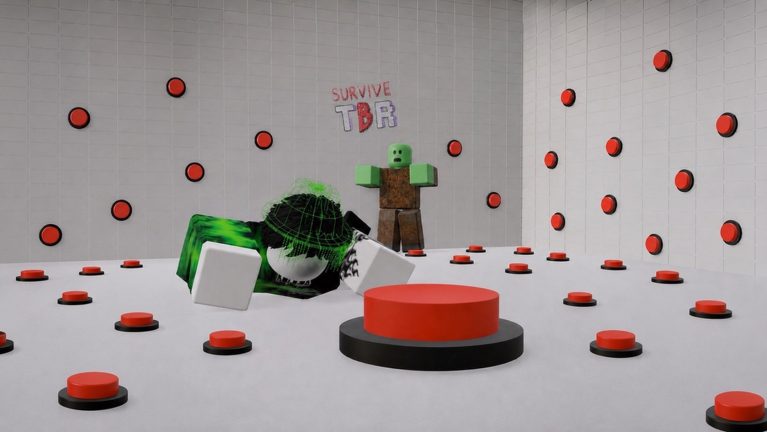
The Button Room 2 does not ship a unique combo language. It uses Roblox movement plus a handful of HUD clicks that decide whether you live. This page is the control sheet: keyboard, mobile thumbs, the gear panel, and the binds you should never map to combat keys.
Read Getting Started if you have not redeemed codes yet. A Laser Rifle in the pocket changes which mis-clicks you can survive.
PC defaults
- WASD — walk the chamber. Strafe off trap tiles; do not backpedal into a printer you have not taped.
- Space — jump. Useful for crate lips and Mecha slams, useless against floor spikes that already fired.
- Shift — sprint when the client offers it. Spend speed stats before you blame the key.
- Left click / tap — press a world button or pick up a tool. There is no separate Interact key for most wall switches.
- Enter — submit a code inside the gear panel. Enter in chat does nothing for Slot Coins.
The Roblox escape menu (the Roblox logo, not the in-game cog) will not redeem GameReturn. If you typed a code and the room ignored you, you were in chat. Open how to redeem.
Mobile thumbs
The gear and gift icons sit on the left HUD, same as PC. The virtual joystick lives on the left too. That overlap is how new players press a zombie switch while opening settings.
Protocol: stand still, open gear, paste, close gear, then move. Do not redeem during a wave. If the on-screen keyboard covers the confirmation toast, dismiss it after each success.
Console players need a keyboard or the Roblox on-screen keyboard for codes. The rest of the loop is stick + face button to click world prompts.
HUD map
Left: gift (cosmetics / shop teasers) and gear (codes, settings). Gear is the only legal redeem surface.
World: unlabeled buttons, trader, luck machines, tablet, camera stand, chair. Click the object, not the sky.
Inventory / cards: after a code dump, equip the gun before you walk. A Revive Card that stays unselected will not save a ragdoll.
What you are actually doing each minute
The loop from public how-to-play clips is honest: survive the wave, press the next loot-class button, collect, repeat. You are not racing to mash every switch. Button rules decide which click is a verb and which is a wipe.
Food and healing items restore health between rounds. Super Potions from codes outrank mystery soup. Do not vendor heals to fund a luck machine pull you cannot survive.
Dangerous custom binds
Do not bind stat-up, drop-item, or emote to mouse-down. Accidental spends and dropped cameras happen in Mecha panic. Do not bind jump to the same key as sprint if you play on a laptop keyboard that ghosts.
Scissors and the axe are click-to-use tools, not weapons you swing with a combo. Keep them on a reachable hotbar slot during escape and Mecha runs.
After the keys feel boring
Controls will not photograph a safe. They only stop you from opening chat instead of the gear. Pair this sheet with how to get cards so the clicks you do make feed a real deck, and with quests so badge hunts do not hijack your first hour.
Frequently Asked Questions
Quick answers for the chamber, codes, and escape route.
Where do I type The Button Room 2 codes?
The gear icon on the left HUD, then Enter. Never chat. Full taps: how to redeem.
Is there a unique interact key?
Most wall buttons are click or tap. Movement is standard Roblox WASD.
Why did I press a trap while opening settings?
On mobile the joystick shares the left side. Stand still, then open the gear.
Do I need scripts to play?
No. Scripts are optional and risky. This control sheet is enough to clear both endings.