
Codes
Working The Button Room 2 Roblox codes for Slot Coins, cards, and titles, plus exact gear-icon redeem steps now.
View all CodesRoblox codes, card tiers, and escape routes for The Button Room 2.
Fan wiki for The Button Room 2 on Roblox: working codes, card tiers, escape routes, and Mecha boss strategies.
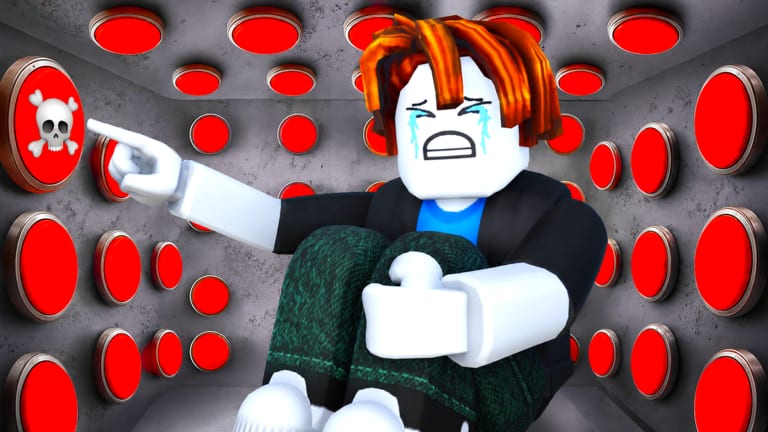
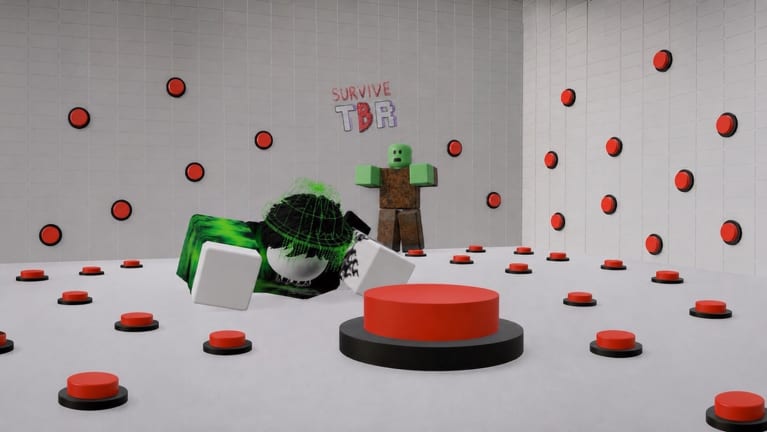
The Button Room 2 is the fan name this wiki uses for Pytox Studio's Roblox survival-escape hit The Button Room. You wake in a high-tech chamber lined with unlabeled buttons. Some drop cards, Slot Coins, and tools. Others spawn zombies, ragdoll explosions, or a locked door you cannot reverse. The loop is simple and brutal: survive the room, upgrade stats, collect cards, and either escape with the golden key or assemble the Mecha boss for the secret exit. Start with the beginner guide, claim working codes before they expire, then check the card tier list so you stop wasting Slot Coins on junk. When a wave hits, the weapon tier list and stat leveling notes keep you standing. Admin chaos and milestone drops live on the updates hub. Script users can review safe loadstrings and the auto-farm notes. Tablet shopping, luck machines, and Slot Coin sinks sit in tools. Official Discord and the Roblox page are collected on links.
Working The Button Room 2 Roblox codes for Slot Coins, cards, and titles, plus exact gear-icon redeem steps now.
View all CodesThe Button Room 2 Roblox guides covering first load-in, button safety, golden-key escape, and the Mecha boss fight.
View all GuidesThe Button Room 2 tier lists for cards and weapons: what to keep, what to sell, and what to buy with Slot Coins.
View all Tier ListThe Button Room 2 player hub covering stat leveling, leaderboards, builds, and how not to waste EXP from codes.
View all PlayersThe Button Room 2 Roblox updates: visit milestones, Ice & Fire, admin events, and what still works after patches.
View all UpdatesThe Button Room 2 Roblox scripts hub: kill aura, auto rejoin, GUI loadstrings, executor notes, and account risk.
View all ScriptsThe Button Room 2 tools: tablet shop, trader, Slot Coins, luck machines, and what to buy instead of gambling buttons.
View all ToolsThe Button Room 2 official links covering the Roblox experience, Pytox Studio, Discord invite, and sites to ignore.
View all LinksOpen The Button Room on Roblox and wait until your character fully appears. Do not mash wall buttons until you have a plan — the beginner guide lists the first safe actions.
Tap the gear icon on the left, paste each code from the codes hub, and press Enter. Slot Coins, Revive Cards, and titles land instantly. Full steps live on how to redeem.
Spend early resources on strength, speed, and defense. Escape with the golden key route or assemble parts and beat the Mecha boss.
Admin sessions and milestone drops change the room. Check updates, the luck machine tools, and official links whenever a new code or event lands.
Quick answers for the chamber, codes, and escape route.
Yes. This wiki covers Pytox Studio's Roblox experience The Button Room — a live survival-escape chamber with cards, bosses, and codes. Play it from the official Roblox page linked in our links hub.
Read the Getting Started guide, redeem working codes, then follow how to escape once you have a camera and a plank.
Open the gear icon on the left of the HUD, paste a code into the large text box, and press Enter. The redeem guide shows every tap.
This wiki is available in English, French, German, Spanish, and Brazilian Portuguese. Legal pages stay in English for every locale.
Collect the bottom, middle, and upper Mecha parts — one from a button, one from the tablet shop — combine them, then fight. Full route: Mecha boss guide.
No. It is a fan-made resource. Confirm codes and patches on the Roblox page and the community Discord listed under links.
Redeem codes, learn which buttons to press, then follow the escape route or the Mecha fight. The beginner guide is the safest first click.
Start with the beginner guide